How it works
From swing to insight in minutes.
Five steps, start to finish: capture a swing, see exactly what it's doing, and talk it through with a coach that remembers your game. No cables, no uploads, no waiting.
Set it down. It captures.
Lean your iPhone against your bag or drop it on a tripod. MotionEdge detects each swing and records it automatically. No buttons, no clips to trim. Trigger from your Apple Watch if you'd rather.
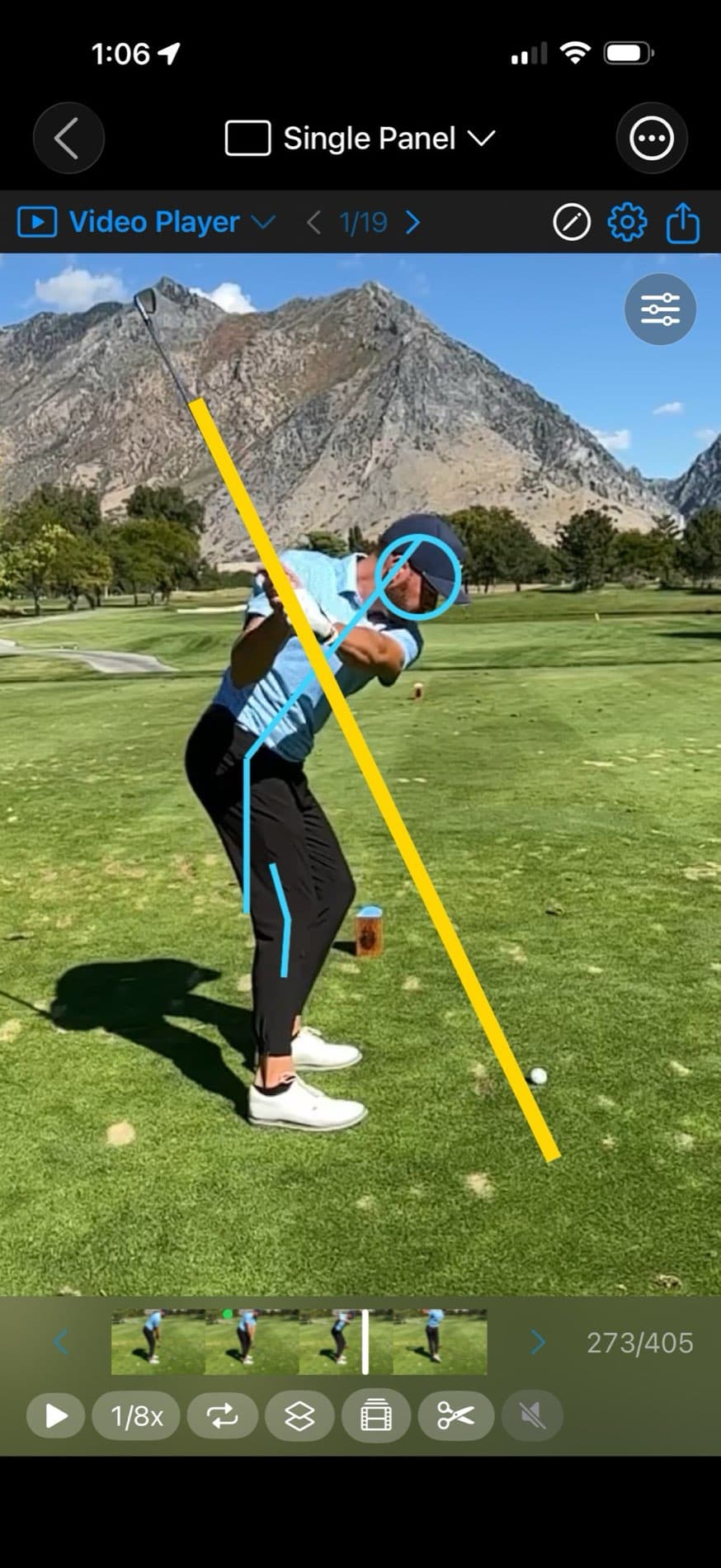
Add angles. Watch live.
Add up to 4 remote cameras — spare iPhones, an iPad, a Mac — and put your iPad in front of you as the director. Start, stop, and review every swing from there without walking back to a tripod. Face-on and down-the-line, captured together.
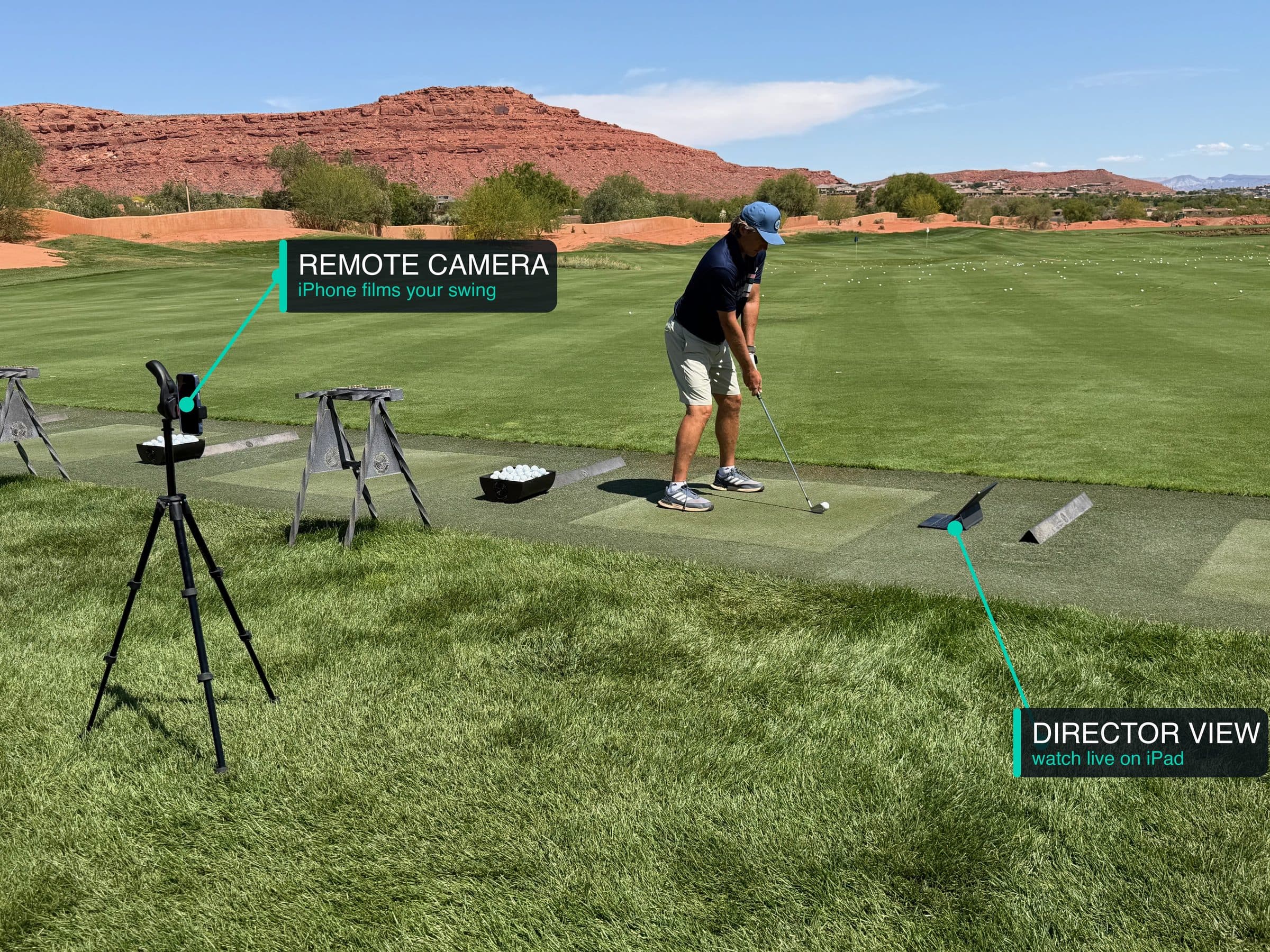
See every position.
Each swing is broken into 10 key positions with the pose skeleton overlaid, graded the moment your follow-through finishes. Posture, hand path, tempo, and impact, measured frame by frame, entirely on your device.

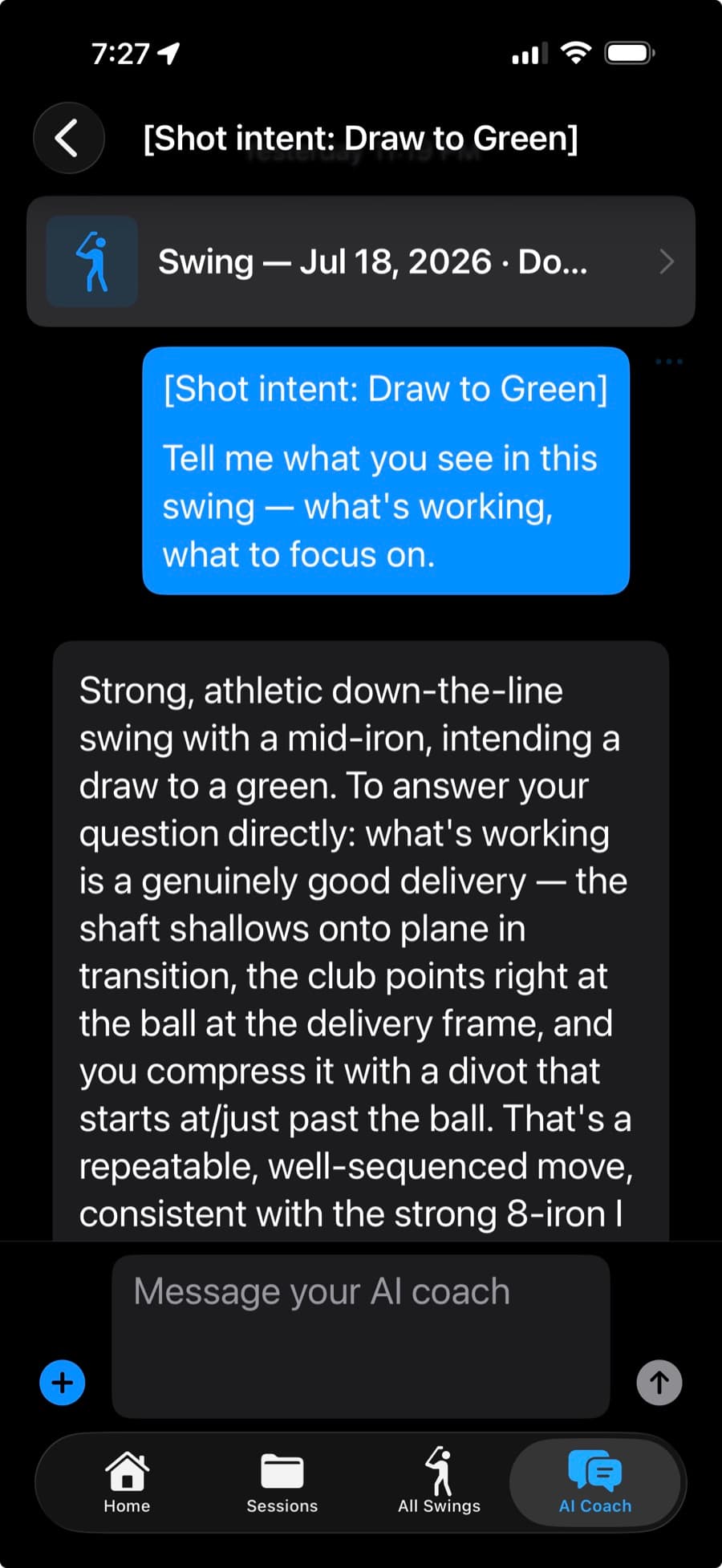
Ask your AI coach.
Talk through any swing with an AI coach that already has your video, pose data, metrics, and TrackMan numbers, and picks up where you left off. Your coaching history stays with your swings, there every time you practice.
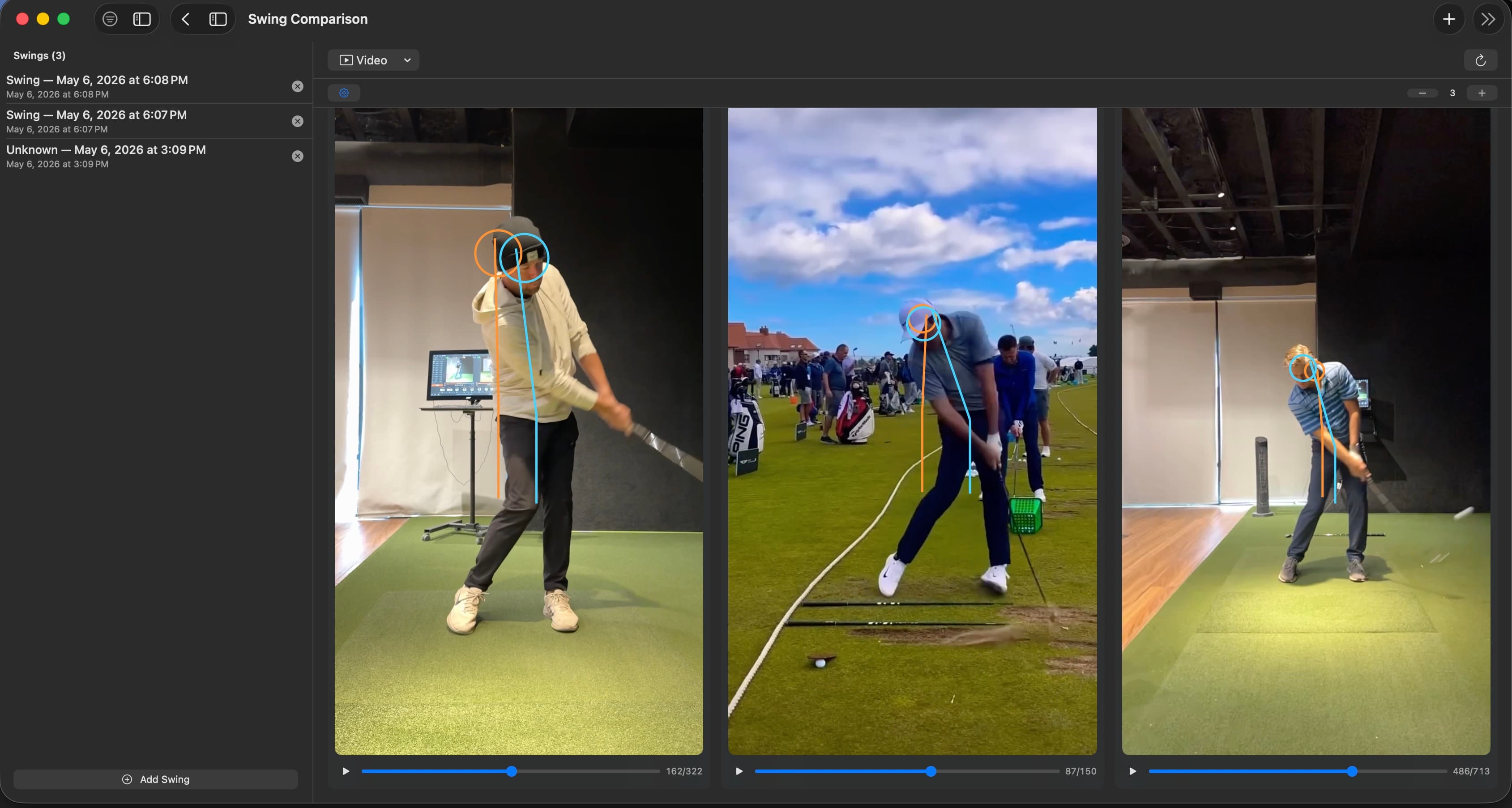
Stack it up. Pass it on.
Put up to 10 swings side by side: yours across sessions, or an imported tour pro right next to you. Then invite your coach or a friend into a collection, with Add swings access so you can trade comments on individual swings. Sharing a collection is part of Pro.
That's the whole loop.
Capture, understand, and improve, on the devices you already own. 7-day Pro trial when you want the AI Coach.